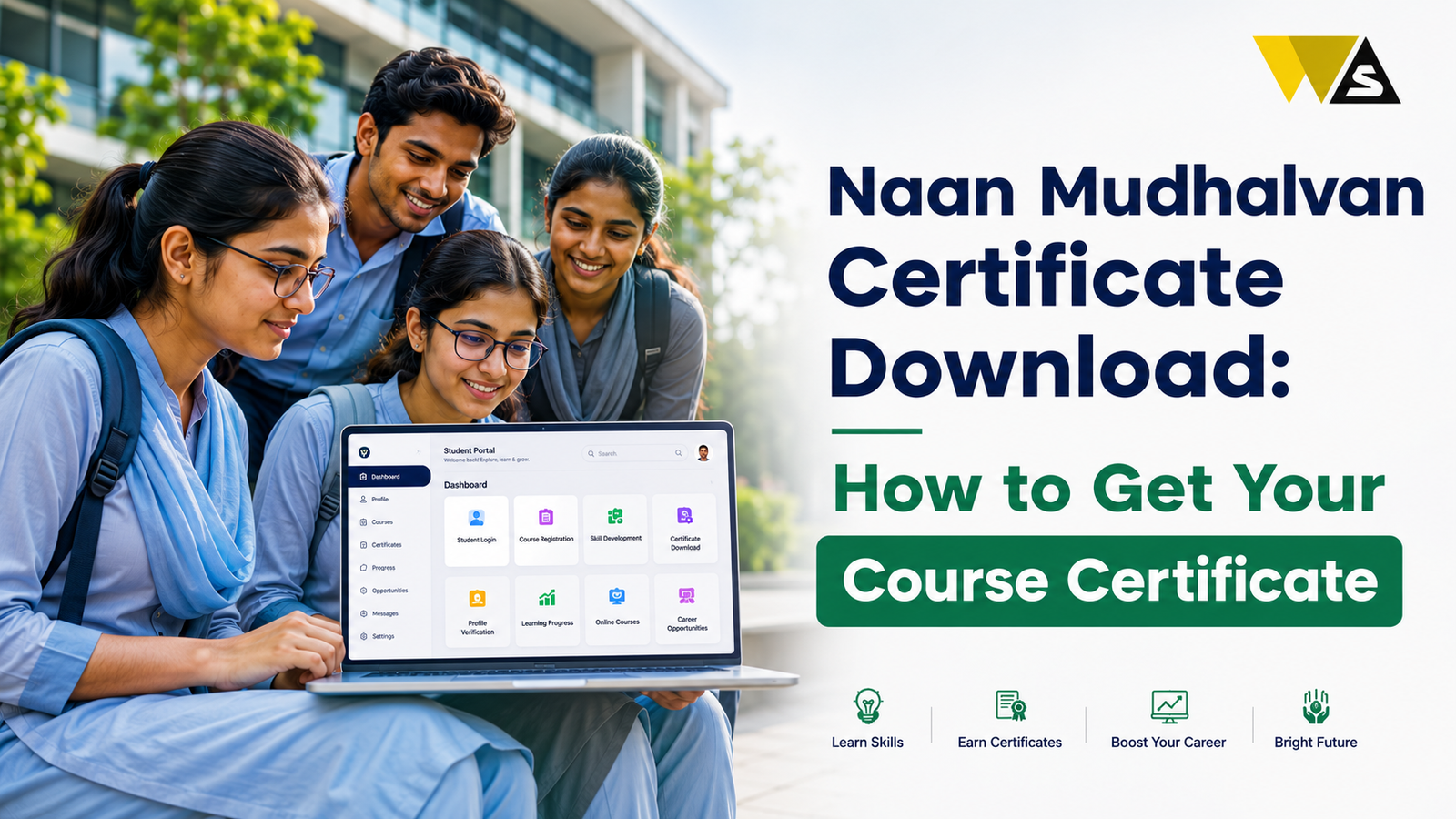

To do your Naan Mudhalvan certificate download, first log in at naanmudhalvan.tn.gov.in (college students: portal.naanmudhalvan.tn.gov.in ) with your registered mobile or email and OTP, open your dashboard / completed courses, and click Download on the finished course.
Naan Mudhalvan courses are delivered by different training partners (such as Microsoft, UiPath, Infosys, and Tech Mahindra), so many certificates are issued on the partner’s own platform, not the main portal. If your certificate is not on the portal, log in to the partner platform where you did the course. You must also complete the course and pass the assessment before any certificate appears. The certificate is free. If it is still missing, contact your college SPOC/nodal officer.
Table of Contents
ToggleWhat is the Naan Mudhalvan Certificate?
The Naan Mudhalvan certificate is the proof that you completed a skill course under Tamil Nadu’s Naan Mudhalvan scheme — the state’s flagship free skill development programme run by the School Education Department with TNSDC.
Each certificate usually shows:
- Your name (as per your college record)
- The course/training name you completed
- That it was offered by Naan Mudhalvan, often in partnership with a company (for example, Microsoft)
- The training partner who conducted it
- The date of completion
This certificate is something you can add to your resume and LinkedIn. For many students, it is their first industry-recognised credential, and it helps in placements, internships, and job interviews.
Naan Mudhalvan Certificate Download Overview 2026
| Detail | Information |
| Certificate For | Completed Naan Mudhalvan skill course |
| State | Tamil Nadu |
| Main Portal | naanmudhalvan.tn.gov.in |
| College Portal | portal.naanmudhalvan.tn.gov.in |
| Also Issued On | Training partner platforms |
| Login | Registered mobile / email + OTP |
| Condition | Course completed + assessment passed |
| Format | PDF (downloadable) |
| Cost | Free |
| If Missing | Contact college SPOC / nodal officer |
Where is Your Naan Mudhalvan Certificate Actually Issued?
Naan Mudhalvan courses are delivered through many different training partners, and the certificate is usually issued by whoever conducted your training.
So your certificate may be:
- On the Naan Mudhalvan portal in your dashboard / completed courses section, or
- On the training partner’s platform the website where you actually took the classes and the test.
Common partner names seen on Naan Mudhalvan certificates include Microsoft (with conducting foundations such as Infispark), UiPath, Infosys, and Tech Mahindra, among others.
Before You Download the Naan Mudhalvan Certificate:
You can download your certificate only after completing the course. Check that you have:
- Completed all modules/lessons of the course (100% progress).
- Attempted and passed the assessment/exam — many courses need a minimum pass mark.
- Met the attendance requirement, if your course had live/offline sessions.
- Had your completion updated by the platform or your college.
How to Download Your Naan Mudhalvan Certificate from the Portal (Step-by-Step)
If your certificate is on the main portal, follow these steps:
Step 1: Go to naanmudhalvan.tn.gov.in (college students: portal.naanmudhalvan.tn.gov.in).
Step 2: Click “Login” at the top-right corner.
Step 3: Enter your registered mobile number or email ID (the one your college entered) and verify with the OTP. Some institutions give a username and password instead.
Step 4: Open your dashboard and go to “My Courses” / completed courses.
Step 5: Find the course marked Completed.
Step 6: Click the Certificate option next to it.
Step 7: Check that your name and course details are correct.
Step 8: Click Download and save the PDF.
How to Download Naan Mudhalvan Certificate from a Training Partner Platform
If your course was run by a partner (Microsoft, UiPath, Infosys, Tech Mahindra, and others), do this:
- Go to the partner’s learning platform — the same site where you took the course.
- Log in with the account you used (often your college email ID).
- Open “My Learning” / “My Courses” / “Achievements”.
- Find your completed course.
- Click Download Certificate and save the PDF.
Use the same email ID you registered with. Logging in with a personal Gmail when you enrolled with a college email is a very common reason students “cannot find” their certificate.
Common Naan Mudhalvan Certificate Problems and Solutions
Here are the common problems and solutions:
- “Certificate not available yet”: Your completion is not updated. Wait a few days after the course/assessment ends, then check again.
- Assessment not completed: Take the pending final test, no test, no certificate.
- Certificate not on the portal: It is probably on the training partner’s platform. Check there.
- Cannot log in / OTP not coming: Your mobile or email in the college record may be wrong. Ask your SPOC to update it.
- Wrong name on the certificate: The name comes from your college record. Ask your college to correct it and re-issue.
- Download button not working: Try a different browser, disable pop-up blockers, or use a laptop instead of a phone.
- Portal very slow: Traffic is heavy at semester end try early morning.
- Course shows incomplete though you finished: Some modules may be unwatched. Open the course and check for any unfinished module.
What if Your Name is Wrong on the Naan Mudhalvan Certificate?
- Your certificate name comes from the details your college entered on the portal.
- So first ask your college SPOC to correct your name spelling in the Naan Mudhalvan record.
- After the correction is updated, re-generate or re-download the certificate.
- If the certificate was issued by a partner platform, the college may need to raise the request with that partner.
Is the Naan Mudhalvan Certificate Free?
- The courses under Naan Mudhalvan are free for enrolled students.
- The certificate download is free.
- There is no fee for re-downloading a lost certificate.
If any website or agent asks you to pay money to “release” or “unlock” your certificate, or offers a fake Naan Mudhalvan certificate for sale, it is a fraud. Use only the official portal or your genuine partner platform, and never share your OTP.
Does the Naan Mudhalvan Certificate Help in Placement?:
- It shows recruiters you completed industry-linked training (IT, automation, BFSI, communication skills, and more).
- It strengthens your resume as a fresher, especially when you have little work experience.
- The scheme also runs placement drives and internship opportunities with industry partners.
- It shows initiative that you learned beyond your syllabus.
A certificate alone does not guarantee a job. What helps most is the skill you actually gained, so be ready to talk about what you learned in the interview.
Where to Get Help with Naan Mudhalvan Certificate Download
If your certificate problem is not solved, get help here:
- Your college/school Naan Mudhalvan SPOC or nodal officer — the first and best contact
- Official portal: naanmudhalvan.tn.gov.in
- College upskilling portal: portal.naanmudhalvan.tn.gov.in
- The training partner’s support/helpdesk (for partner-issued certificates)
- TNSDC: tnskill.tn.gov.in
- Your department office / placement cell
Conclusion
Downloading your certificate is easy. Sign in using your registered mobile number or email ID and OTP. Then go to your completed courses and download the PDF.
Many certificates are issued on the partner’s own platform so if it is not on the portal, log in to the site where you actually took the course. And make sure you have completed all modules and passed the assessment, because that is the most common reason a certificate does not appear.
Download and save your certificate immediately, add it to your resume and LinkedIn, and get your name corrected early if it is wrong. The certificate is completely free, never pay anyone for it. If you are stuck, your college SPOC is the fastest way to a solution.
Frequently Asked Questions (FAQs)
1. How do I download my Naan Mudhalvan certificate?
Log in at naanmudhalvan.tn.gov.in (college students use portal.naanmudhalvan.tn.gov.in) with your registered mobile or email and OTP, open your dashboard or completed courses, click the certificate option for the finished course, and download the PDF.
2. Why is my Naan Mudhalvan certificate not showing on the portal?
Your certificate may be on the training partner’s website. It may also not be available yet because your course or final test is still not complete.
3. Do I need to pass an assessment to get the certificate?
Yes. Complete all lessons and pass the final test to receive your certificate.
4. Which platform issues my Naan Mudhalvan certificate?
Your certificate is issued by the organization that provided your training. If you are not sure, check the website you used or ask your college nodal officer.
5. Is there any fee for the Naan Mudhalvan certificate?
No. The courses and the certificate download are completely free, including re-downloads. If anyone asks for money to release or unlock your certificate, it is a scam and should be reported.
6. My name is wrong on the certificate. How do I correct it?
If your name is wrong on the certificate, contact your college nodal officer to correct it and download the certificate again.
7. I cannot log in to download my certificate. What should I do?
Your mobile number or email in the college record may be wrong or outdated, since the OTP goes to the details your institution entered. Ask your SPOC to update them. Also make sure you are using the same email you enrolled with.
8. How long after completing the course does the certificate appear?
It is usually available within a few days of your completion and assessment being updated. If it does not appear after that, check the partner platform and then contact your college nodal officer.
9. Can I download my certificate again if I lose it?
Yes. You can log in again and re-download it free of charge. Still, it is best to save the PDF in two places and email it to yourself right after completing the course, because old logins and batches can expire.
10. Does the Naan Mudhalvan certificate help in getting a job?
It helps by strengthening your resume with industry-linked training and by giving access to placement drives and internships. However, no certificate guarantees a job what matters most is the skill you gained and being able to explain it in interviews.